How to Optimize for Google AI Overviews (With Data From Real Site Audits)
6 fixes that actually move the needle on AI Overviews citations — backed by three real AI-readiness audits (83, 81 and 33/100).
Google AI Overviews answer a question on the results page — and cite a handful of sources inside that answer. If your site isn't one of them, you've lost the click. This guide is built from real AI-readiness audits we run every day: three live sites, real scores, and the specific gaps that keep them out of the Overview. Every fix below is something we've watched move a site from invisible to cited. Run your own audit free at the AI Grader — no signup, no email gate — and come back here to fix what it finds.
What AI Overviews actually cite
Before the fixes, the model: an AI Overview cites your site only if it passes three gates. Fail any one and you're out — regardless of how good your content is.
| Gate | What it means | Typical failure |
|---|---|---|
| Crawlable | Googlebot (and the AI crawlers for other engines) can reach the page | Empty or over-blocking robots.txt, noindex, JS-only rendering |
| Extractable | The answer is in plain text a crawler can read without executing JS | Answer hidden behind a React shell, content rendered client-side only |
| Structured | Headings and JSON-LD make the facts machine-readable | No schema, multiple H1s, question not asked in a heading |
The pattern across hundreds of audits is consistent: sites don't fail the content — they fail one of these three gates, and the content never gets a chance. That's why the fixes below are ordered the way they are: access first, then extraction, then structure. Read more on the wider landscape in our SEO vs GEO vs AEO breakdown.
What real audits show (the data)
These are three real sites, graded with our free AI Grader. The scores are the Grader's actual output — not estimates, not invented.
Case 1 — mcmdesignlondon.co.uk · 83/100
A strong site that still leaves citations on the table. The audit gave it a perfect 100 on crawler access, and it has a working llms.txt (the map file AI crawlers look for). The gaps are small but exactly the ones that stop an Overview from quoting you: it's missing a meta description on key pages, and no FAQPage JSON-LD. That means the engine can reach the content but has to infer the question itself — and Overviews prefer pages that state the question explicitly.
Case 2 — cleverfi.com · GEO 81/100
This one is the cautionary tale for modern web stacks. Technical AI accessibility scored a perfect 100 — robots, sitemap, all correct. But information density came in at 59, and the reason is a single line the Grader surfaced: AI crawlers that don't execute JavaScript see only the shell, literally the "Enable JavaScript" message. The real content is rendered client-side, so a non-JS crawler — and many AI retrievers are exactly that — sees an empty page. An 81 that could be a 95 the moment the core answer is server-rendered.
Case 3 — socialfox.it · 33/100
The classic accident. The robots.txt is 0 bytes — empty, not deliberately permissive — so crawlers fall back to conservative defaults and half the site is effectively unreachable. There is no JSON-LD anywhere, and the homepage carries two H1 tags, which makes the page's main topic ambiguous to a machine. A 33 that's mostly self-inflicted: three of the six fixes below close it.
The 6 fixes that matter most
In priority order. Each one corresponds to a finding from the audits above — and to a line on your Grader report.
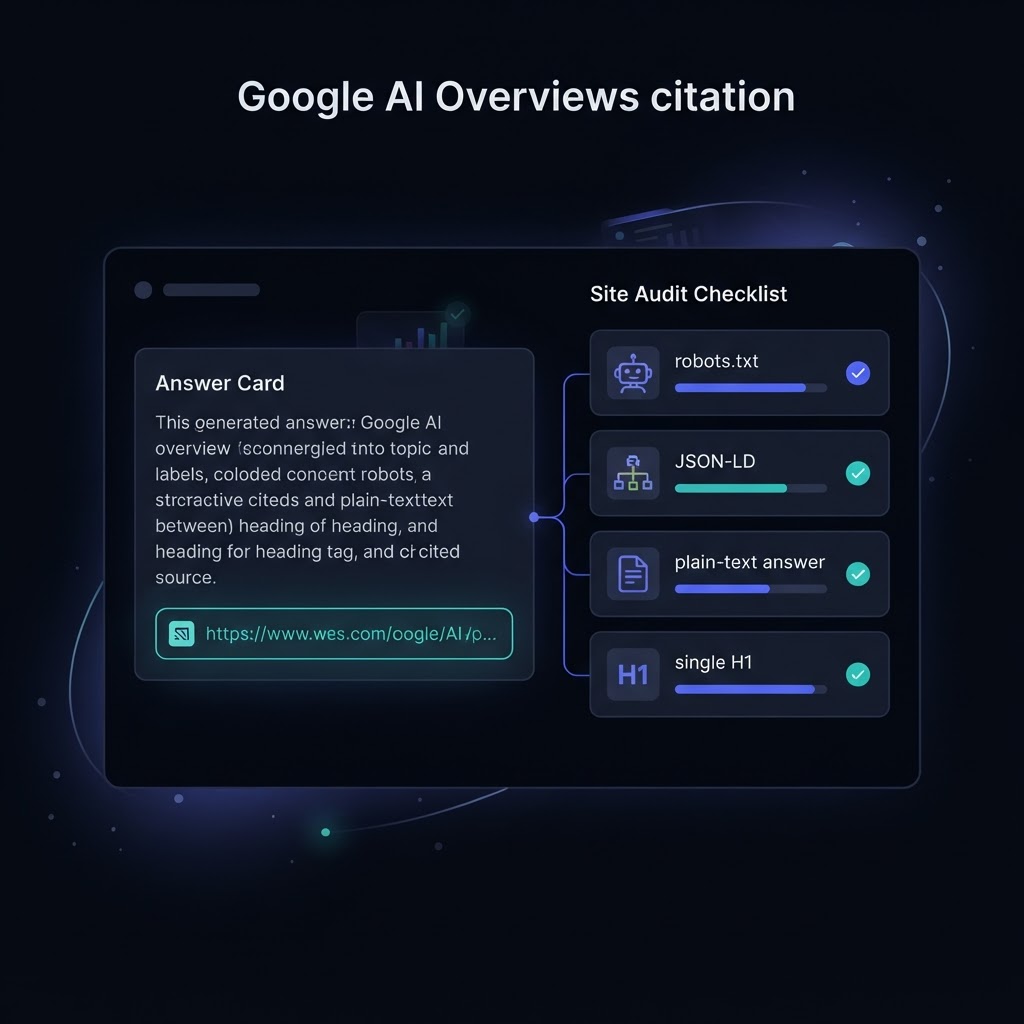
- Verify your robots.txt — and don't leave it empty. Allow Googlebot and the AI crawlers you want: GPTBot, PerplexityBot, ClaudeBot. An empty file (the socialfox.it case) is not the same as "allow all"; it leaves crawlers guessing. A 20-line file that explicitly permits the bots you care about beats a 0-byte one every time.
- Make key pages readable without JavaScript. The cleverfi.com shell ("Enable JavaScript") is why a 100-accessibility site still scored 59 on information density. Server-render the answer for at least your money pages, or include it in the initial HTML — AI retrievers that don't run JS need to see real content, not a loading state.
- Answer in plain text, early, under a heading that states the question. Put the core answer within the first screen of content, below an H2 that mirrors the question. Overviews quote passages — make the quotable passage obvious and self-contained.
- One H1, with self-contained H2s. socialfox.it's two H1s made the page topic ambiguous. One H1 per page, and each H2 should read like a standalone question or claim — that's the structure an AI model chunks on.
- Targeted JSON-LD. Organization on every page; FAQPage for question pages; Article for posts; LocalBusiness if you're local. This is the gap that cost mcmdesignlondon its last points — schema makes your facts machine-readable so a model can quote them with confidence. Read more in our audit walkthrough.
- Add a meta description. The single most common finding in our audits. It's not a ranking factor in the classic sense, but it's the snippet of context an AI model pulls when summarizing your page — and mcmdesignlondon's missing descriptions were the difference between "citable" and "cited".
How to know if it's working
Fixes without measurement is hope. After each change, run a fixed set of AI visibility prompts across ChatGPT, Perplexity, Gemini and Claude — the same prompts that tell you whether your brand is mentioned, cited or absent. Track whether you move from absent to mentioned, and mentioned to cited, the way we describe in how to check if ChatGPT cites your brand. Then re-grade the page and watch the score climb.
That loop — fix, measure visibility, re-grade — is exactly what the AI visibility tracking in AEO Pulse Labs automates. But you don't need an account to start: run the free AI Grader on your site now, fix the six items above, and re-run it next week. If the score doesn't move, the audit will tell you exactly why.
Written by the AEO Pulse Labs team. We run real AI-readiness audits and AI visibility tracking — the same engine behind the free AI Grader.